Overview
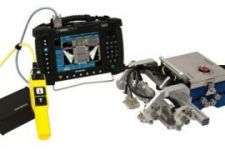
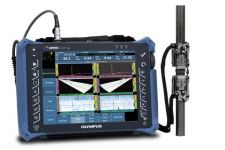
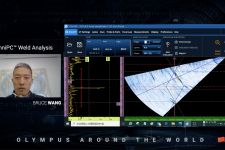
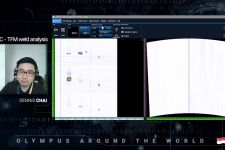
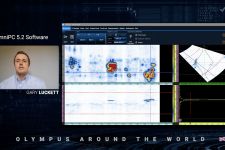
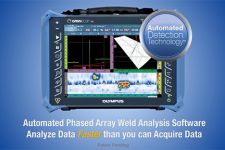
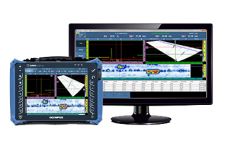
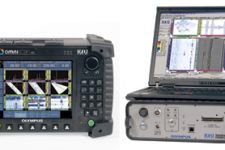
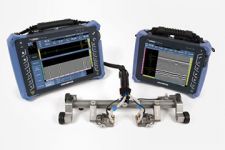
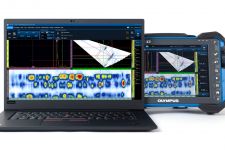
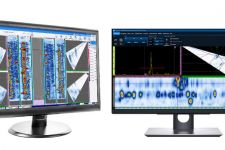
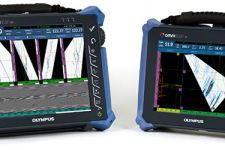
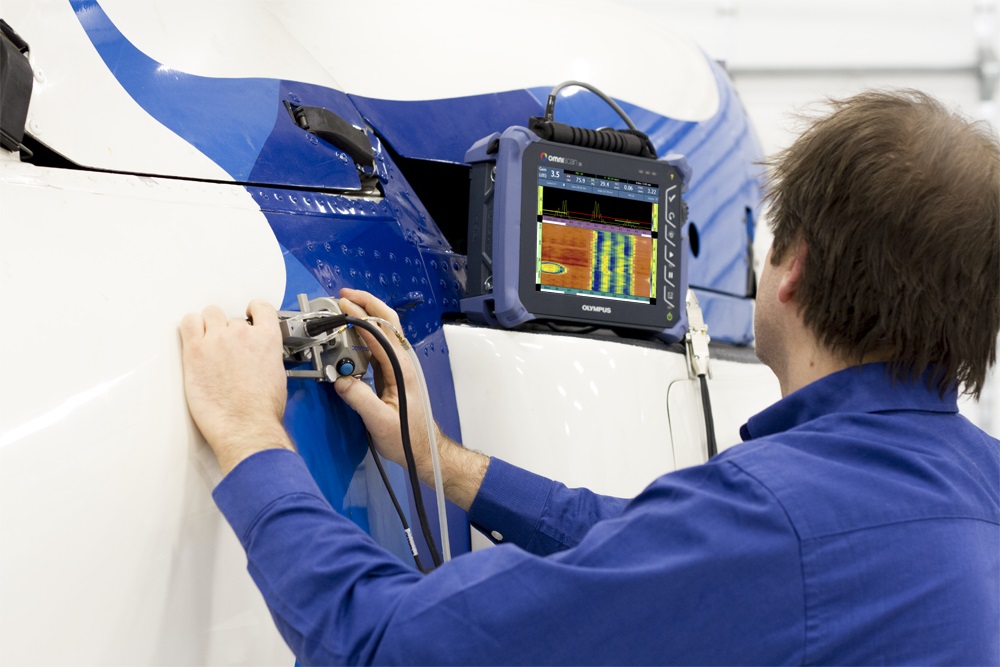
Setup, Inspection, and Analysis Software SolutionsCompatible with OmniScan SX flaw detector data, these software solutions assist you with setup configuration, automated data analysis, or post-inspection PC-based analysis and reporting. Phased Array Ultrasonic Testing (PAUT) Beam Simulation SoftwareVisualize beam simulations and prepare effective inspection setups in advance using NDT SetupBuilder software. Make sure that your OmniScan SX flaw detector has all the tools you need when you head to the job site. Perform OmniScan SX Data Analysis on a PCAnalyze UT, PA, and TOFD inspection data and generate reports using OmniPC 4 software. Using the PC-based software enables you to deploy the flaw detector in the field while performing analysis on previously acquired data acquired. OmniPC 4 software features the same practical analysis tools and intuitive menus of the onboard OmniScan SX software. |
|
NDT SetupBuilder
NDT SetupBuilder design software is an integral part of the Olympus line of automated and semi-automated ultrasonic testing products. Nondestructive testing (NDT) personnel are able to reduce the time defining the appropriate inspection configuration for OmniScan flaw detectors. This step makes sure that the configuration is compliant with the inspection code, eliminating possible configuration errors.
General InterfaceThe NDT SetupBuilder software interface is based on two grids: Probe Sets and Groups. The grids are designed to offer quick visualization of probes, wedges, positions, and beam parameters. Additional interfaces are available for wedge and probe definition and parameter validation. The wedge menu gives access to wedges available in the Olympus database, plus the details of the model characteristics including length, width, and height. Top, side and end views enable the user to visualize the selected wedge. Similarly, the probe interface provides access to the available probes and their corresponding parameters in the Olympus database. |
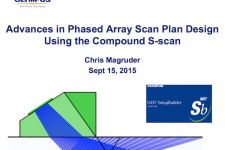
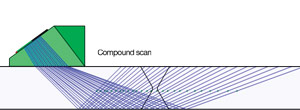
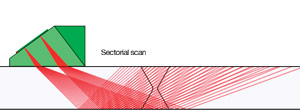
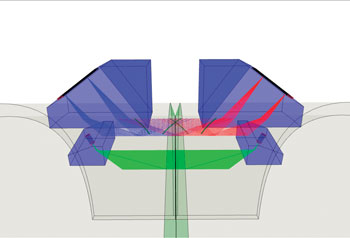
Compound ScanA single-group compound scan offers similar coverage as two sectorial scans Olympus’ updated NDT SetupBuilder software now offers the capability to perform compound scan beams. This innovative inspection strategy consists of a mix between sectorial and linear beams and offers many advantages such as:
|
|
TooltipsExplanations, or tooltips, can be displayed by pointing the mouse over the interface elements, including tabs, toolbars, and dialog boxes. Tooltips include a clear image and a description of the associated function. The software is simple to use, even for inexperienced users. | 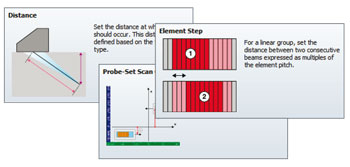 |
2-D and 3-D Visualization
The RayTracing view displays a graphically rendered illustration of the part, probes, wedges, and groups in 2-D or 3-D. Display options include side, top, and end view in 2-D. Interactive parameter configuration controls and probe element information are also available. More Than Just a Ray Tracing ToolExport/Import Your Configuration and Group DescriptionAll configurations supported by the OmniScan and created in NDT SetupBuilder can be exported as an .ondt setup file. NDT SetupBuilder software can also be used as a focal law calculator. Groups not supported by the OmniScan can be exported as .law files. NDT SetupBuilder Features
|
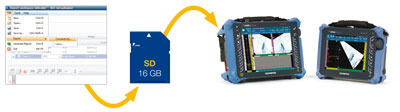
OmniPC 4
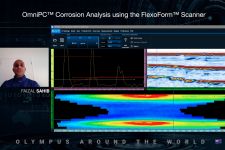
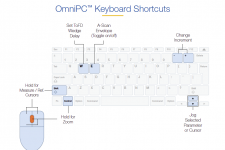
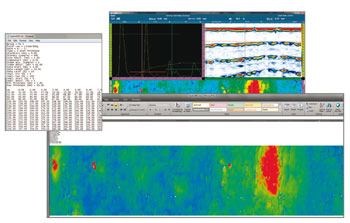
OmniPC is a PC-based data analysis and reporting software that benefits from the same user interface, analysis and reporting features as the OmniScan. |
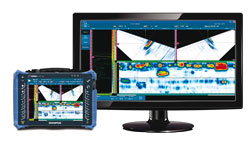
Perform your acquisition on any OmniScan instrument. |
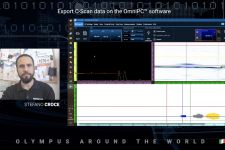
Export as a .txt file and perform analysis on the software of your choice. |
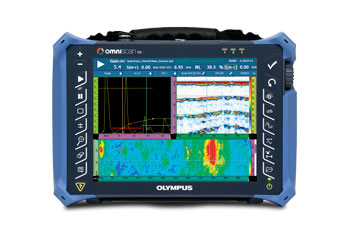
OmniPC Features
Interface
Ease of Use
| Analysis
|